
Customer records
People and businesses, with contacts, addresses, notes and full job history. Import your existing customers from a CSV file.
Likhi gives your office and your technicians one place to take enquiries, send quotes, book appointments, complete job sheets and get paid.
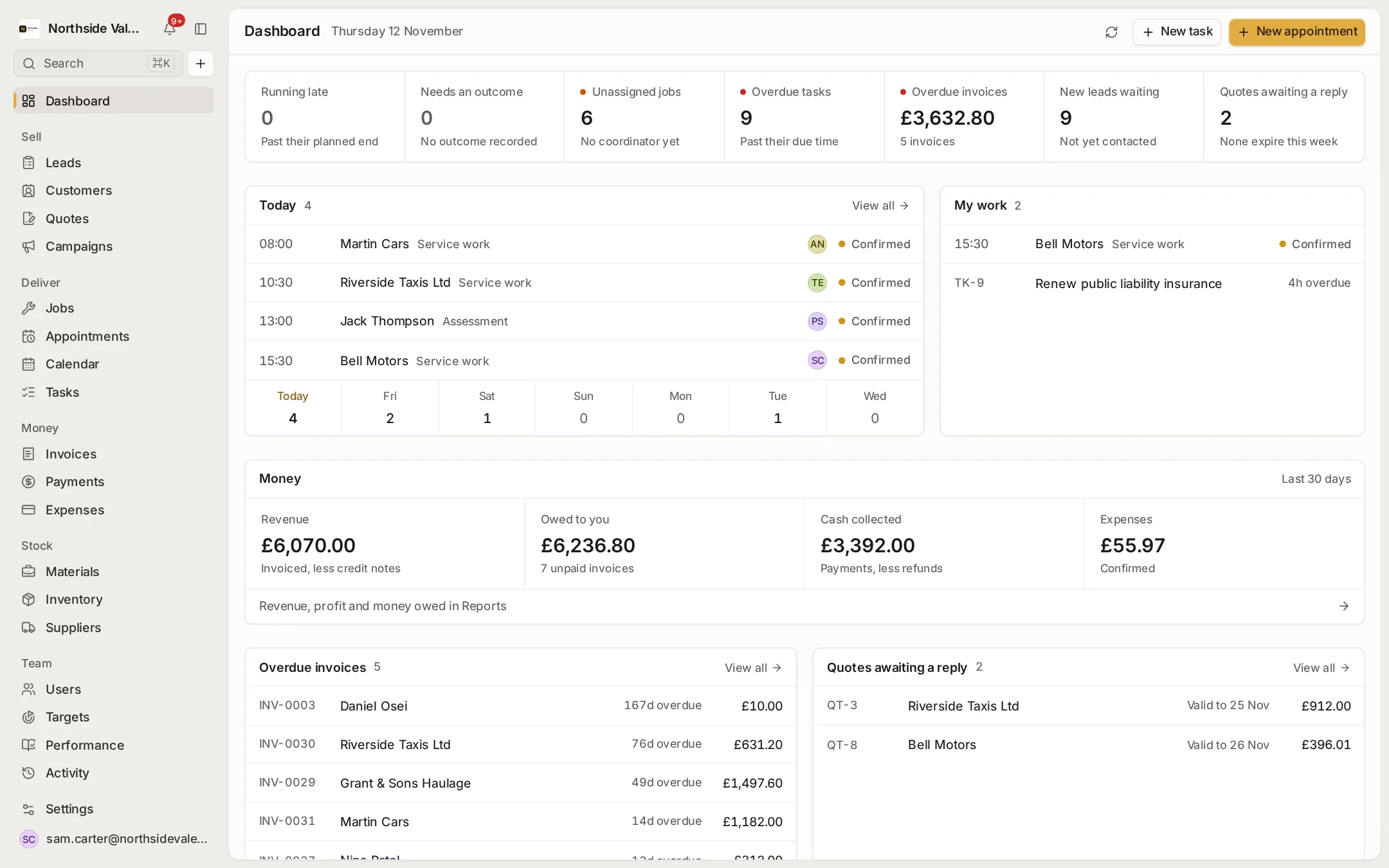
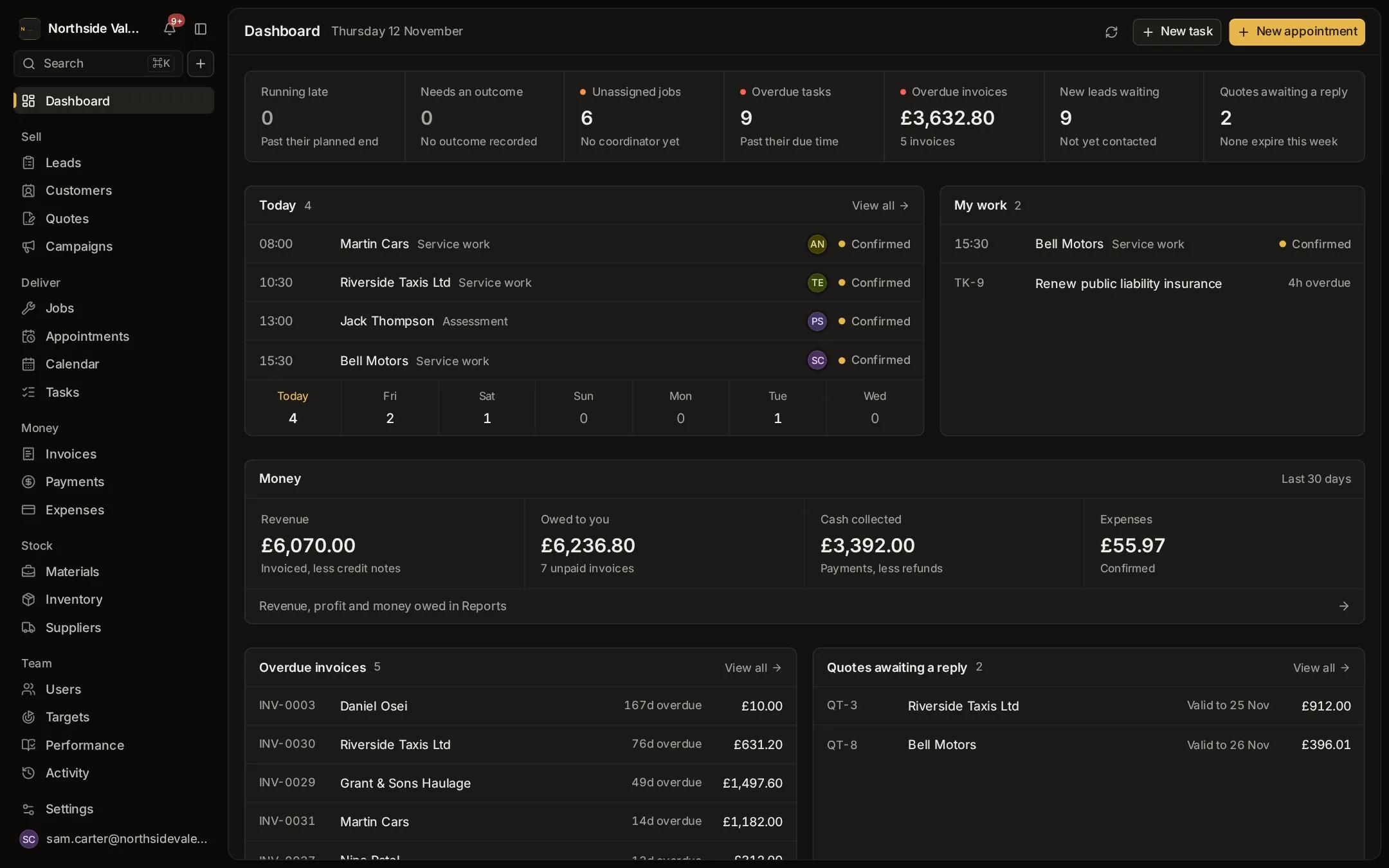
Enquiries and quotes
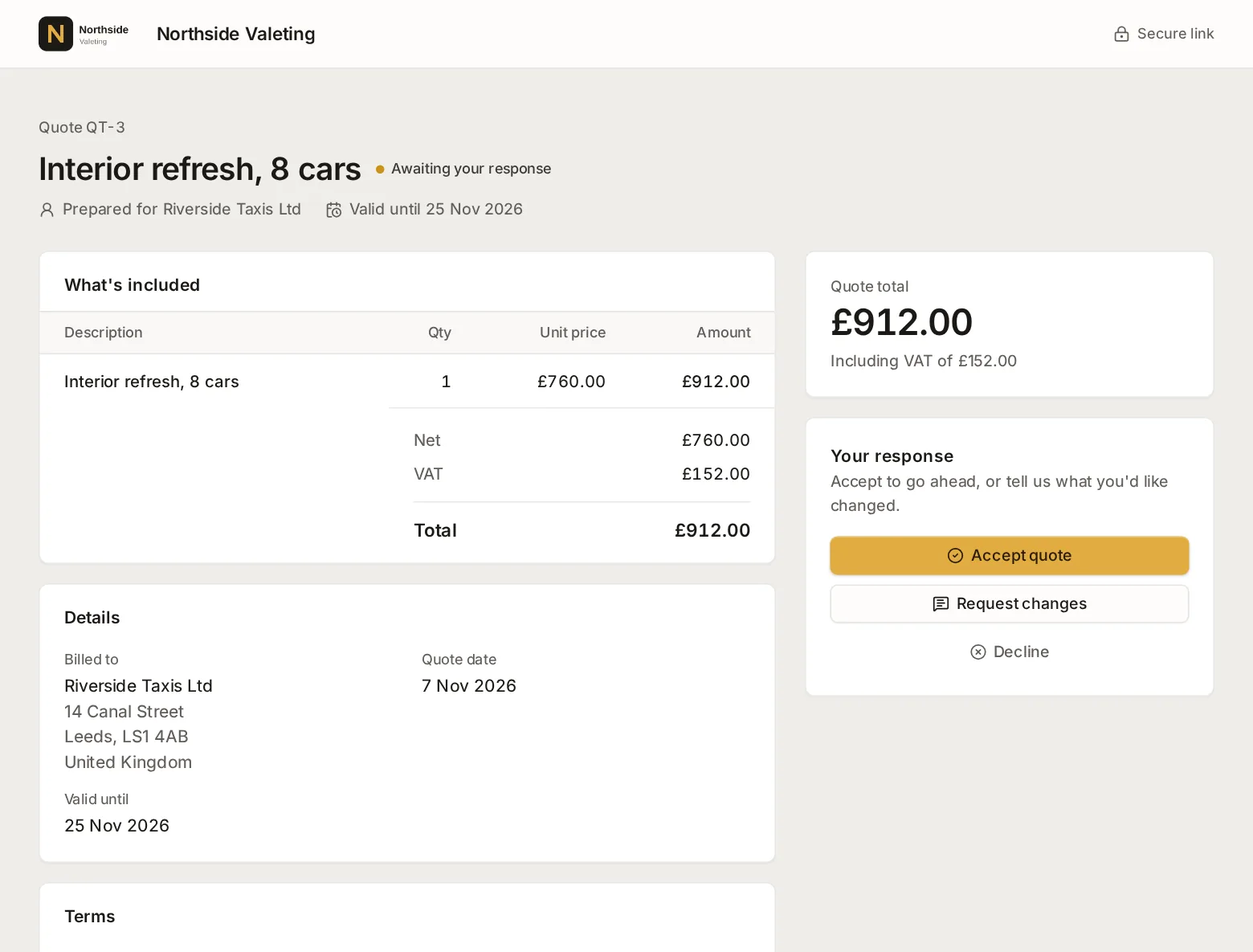
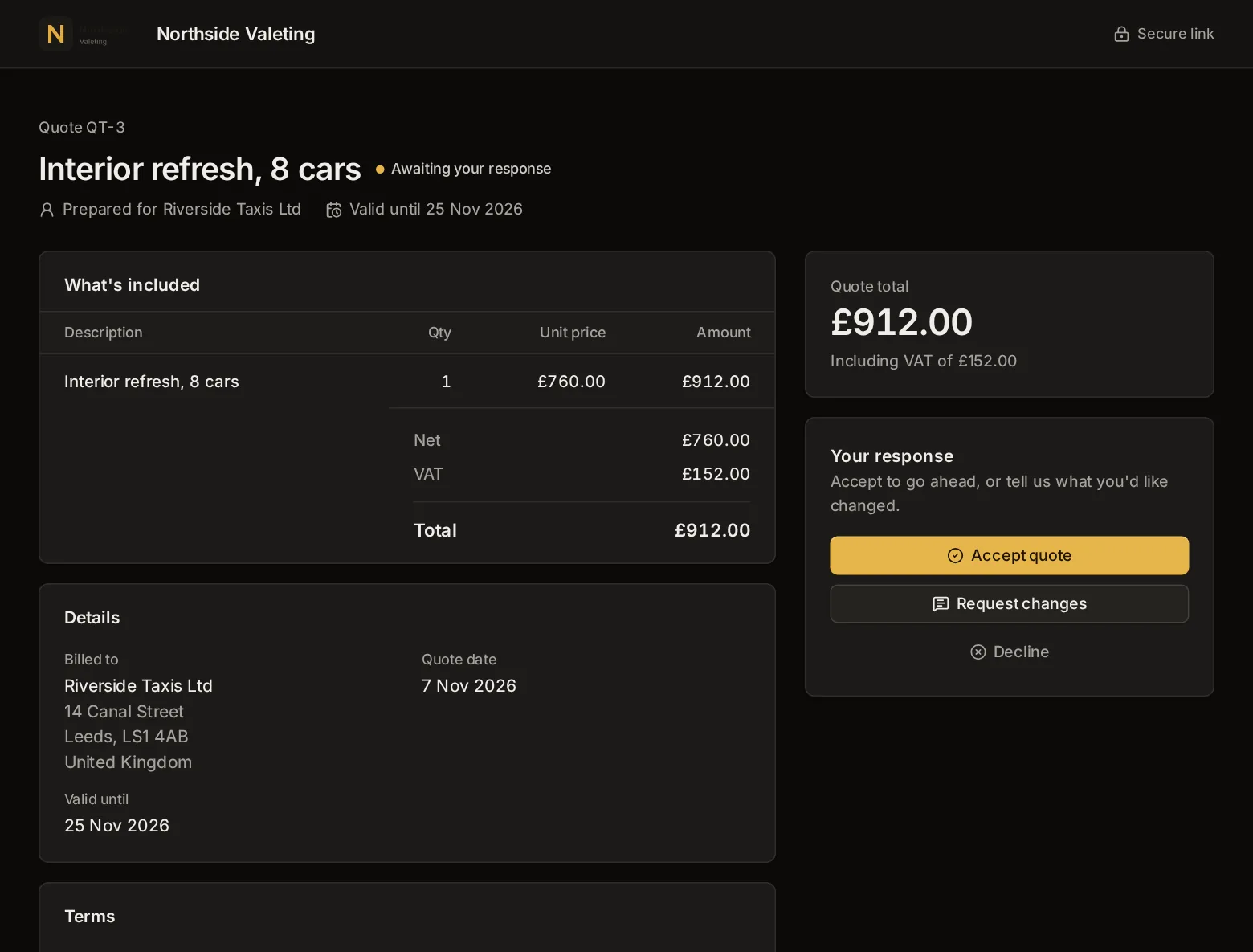
Share your own request form so customers can choose a service, answer your questions and add photos. Then send a quote as a secure link they can accept, change or decline from their phone.
Scheduling and jobs
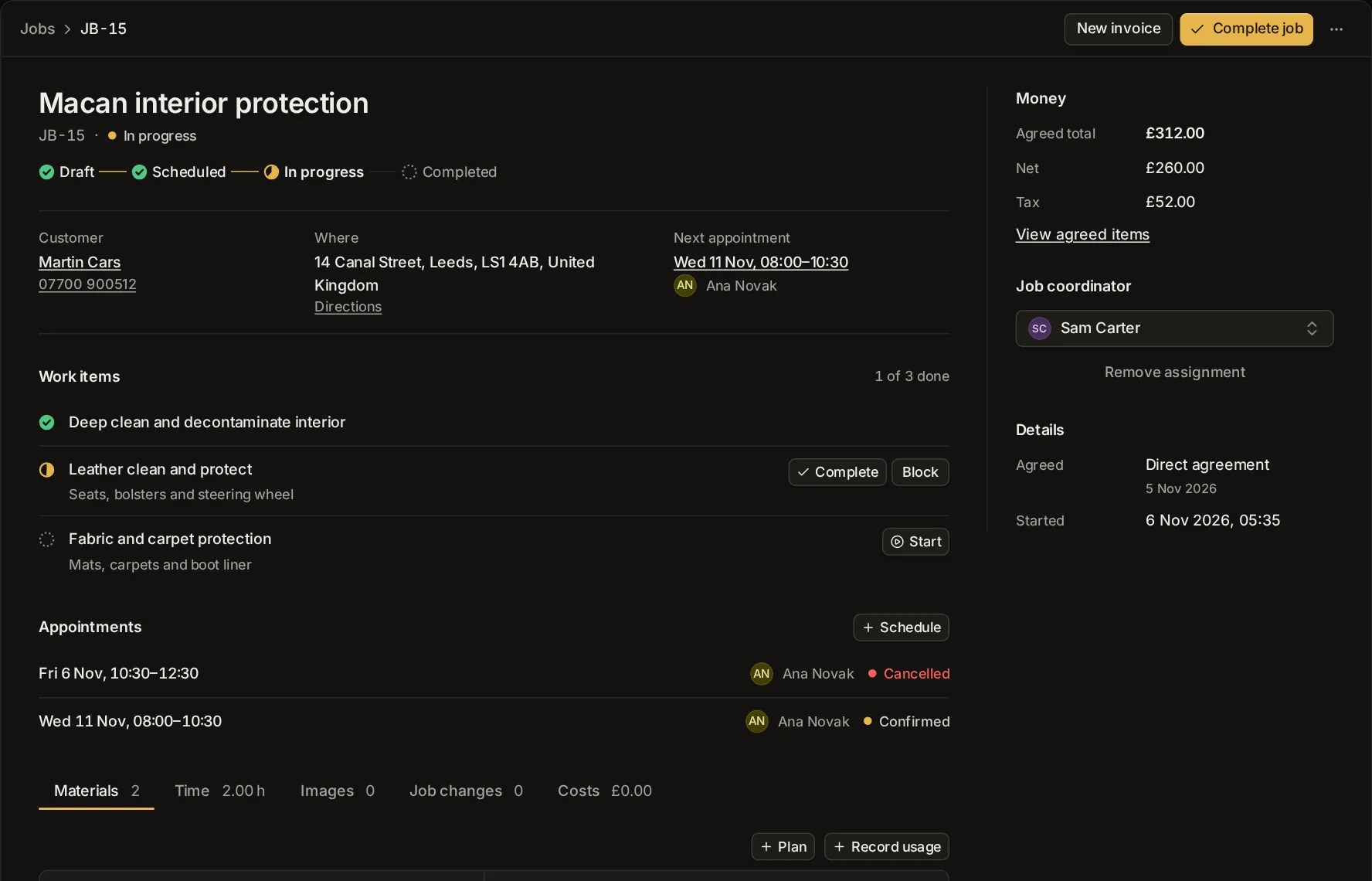
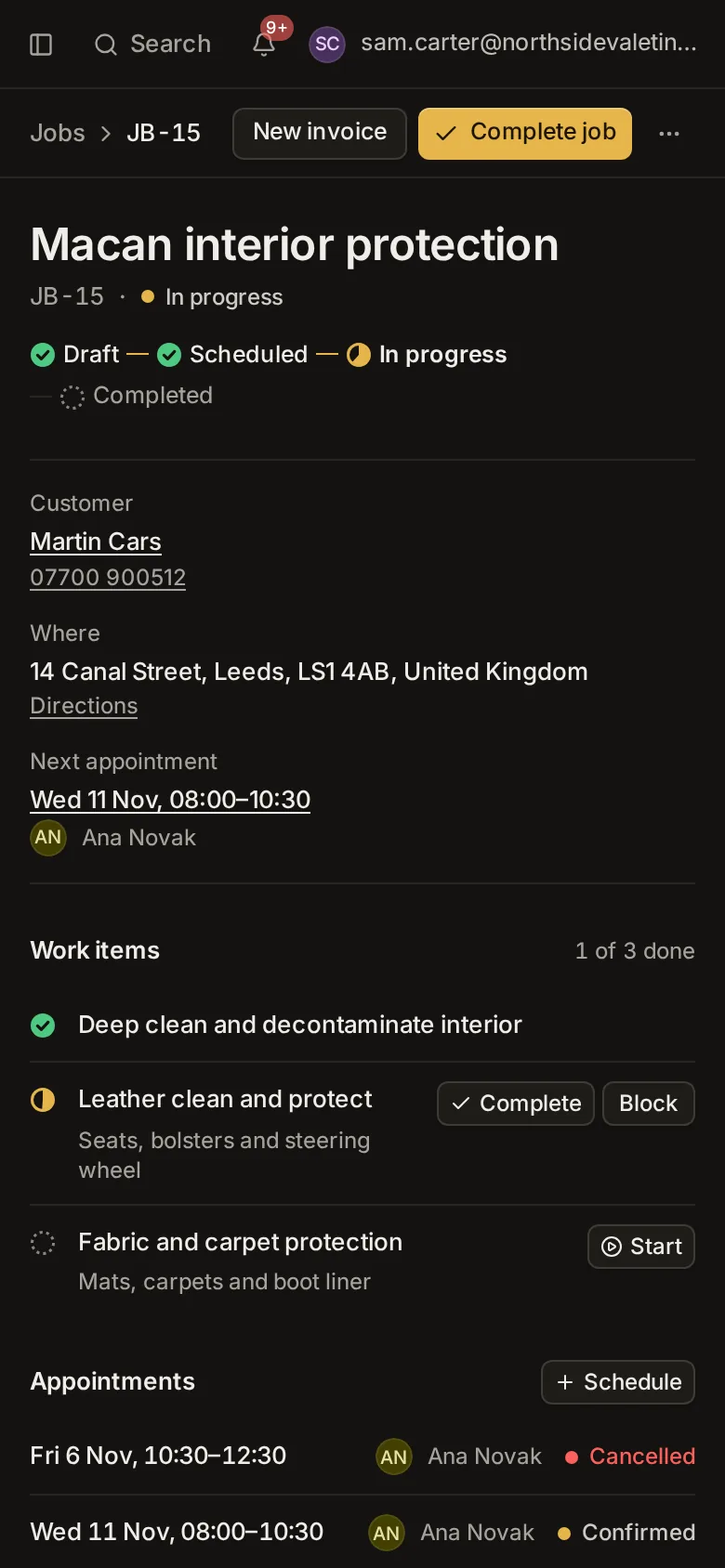
Plan appointments by week or month and filter by technician. On the day, technicians tick off the work on their phone and add notes, photos, time and materials.
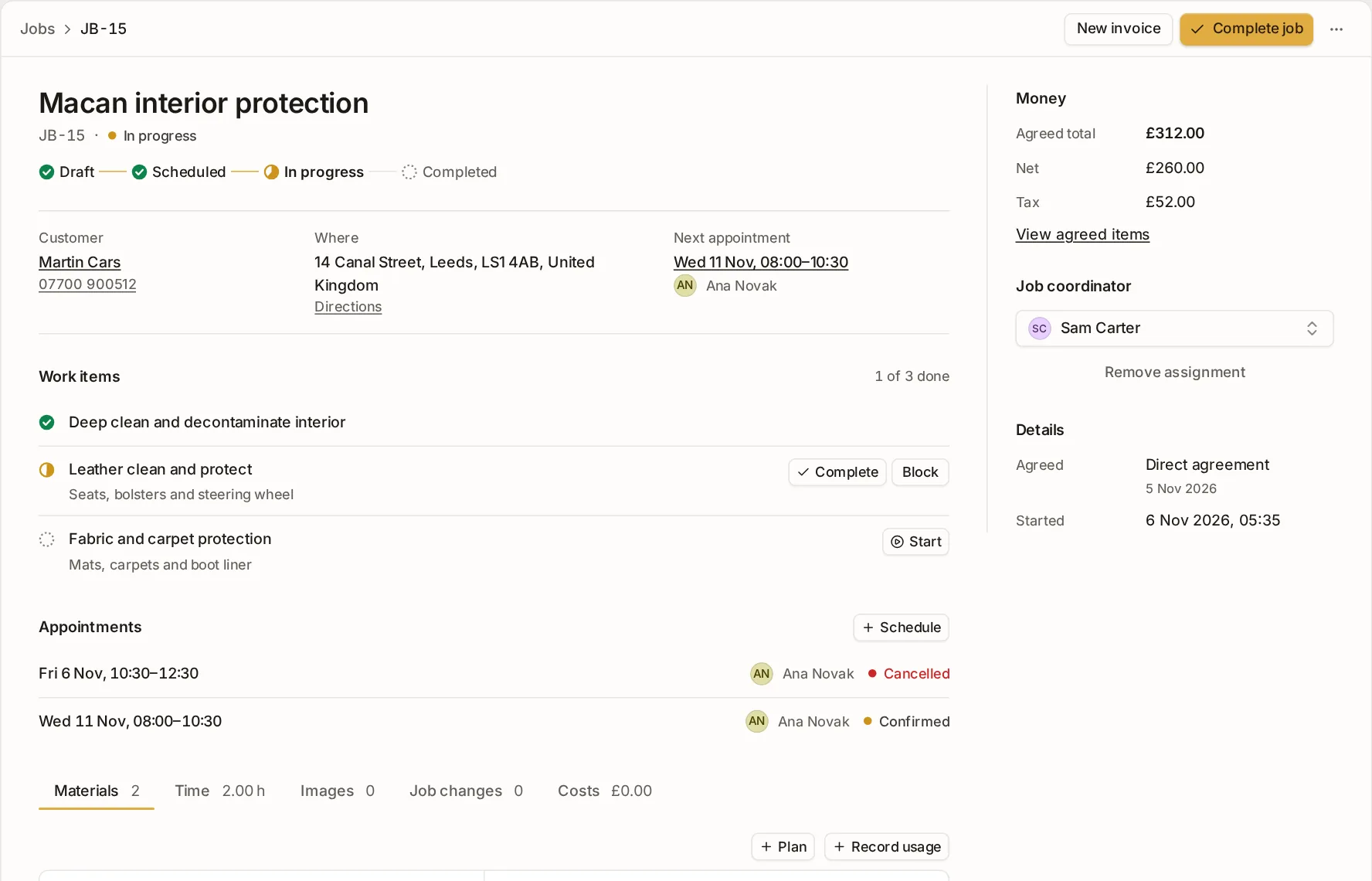
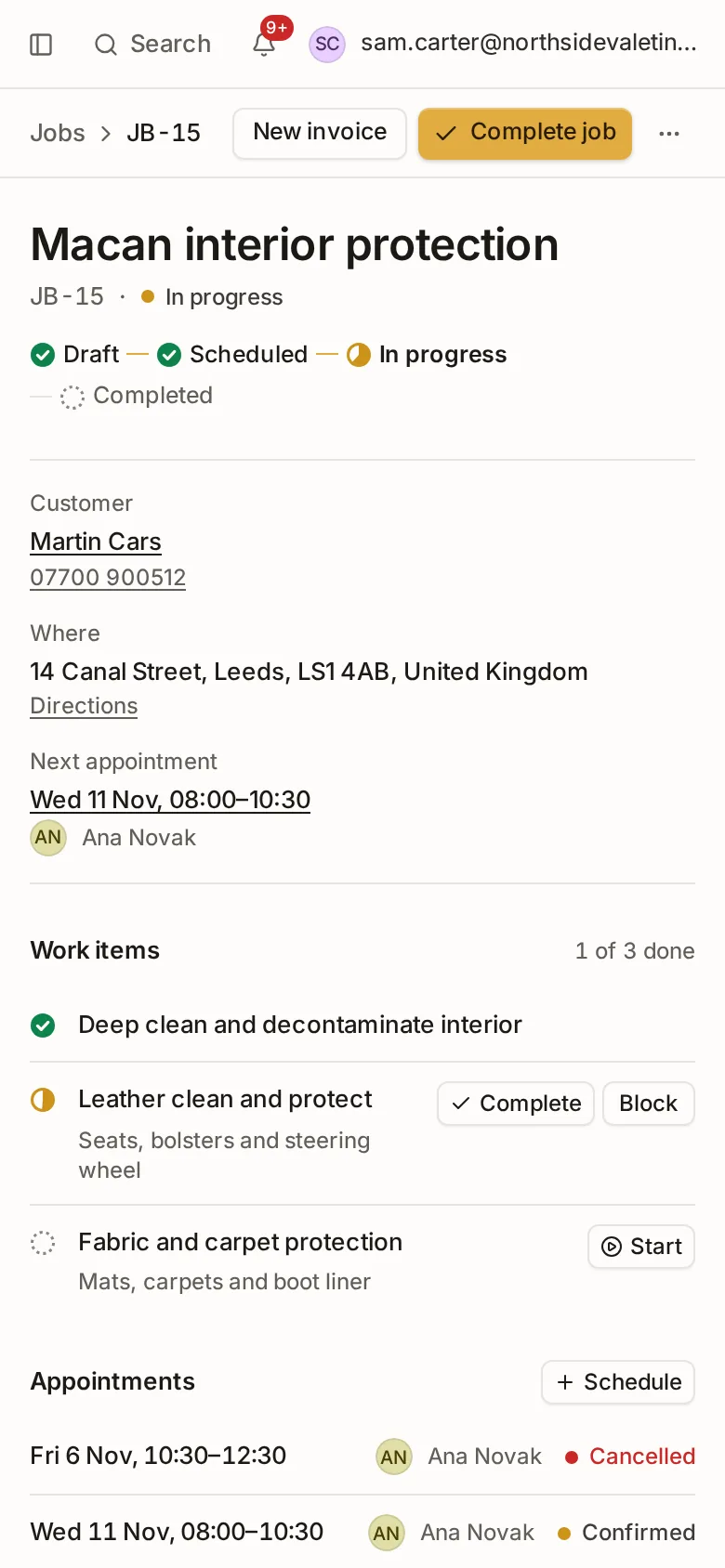
Invoices and payments
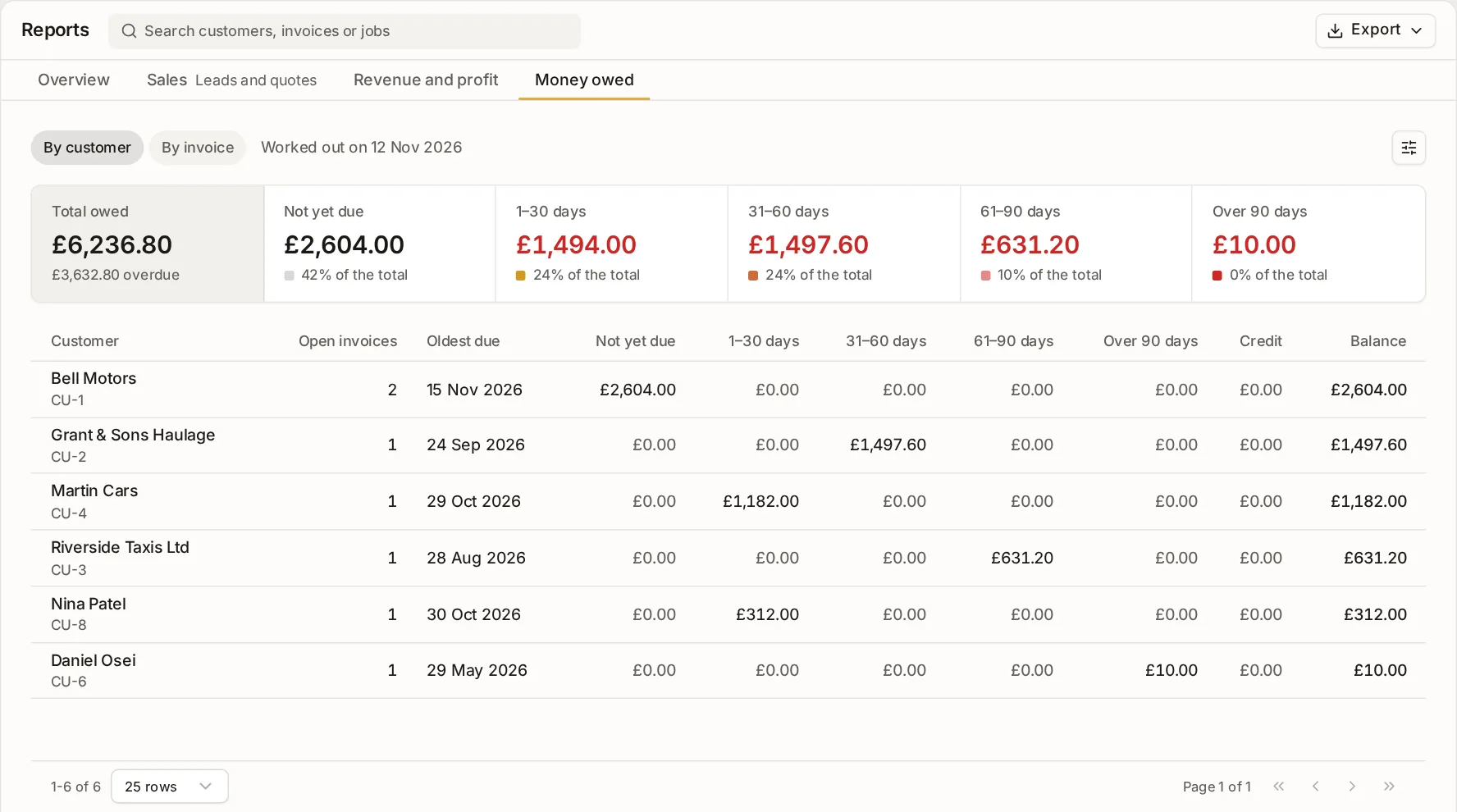
Raise invoices from completed work and send customers a secure link to view and pay. See what each customer owes and how long it has been overdue.
Also included
People and businesses, with contacts, addresses, notes and full job history. Import your existing customers from a CSV file.
Start from a ready-made list covering detailing, SMART repairs, dent removal, leather, upholstery and glass, then make it your own.
Follow materials from purchase to the job they were used on, with low-stock alerts based on your reorder levels.
Assign tasks, set due dates and reminders, link them to a job or customer, and repeat regular work automatically.
See revenue, who owes you, how profitable each job was and where your enquiries come from. Set targets and review your team's performance.
Choose exactly what each role can see and do, and invite staff with time-limited links.
Getting started
Choose the web address your team and customers will use, verify your email, then start your subscription.
Adjust the ready-made service list, your prices, company details and invoice settings.
Add staff, choose what each role can access, and they set their own password.
Put your form on your website and start taking enquiries.
Questions
No. Customers open quotes, invoices and appointment confirmations from a secure link.
Yes. It works in the phone's web browser, so there's nothing to install.
Yes. Import them from a CSV file. Anyone already on your list with the same email or phone is skipped.
Xero and Sage Accounting. Connect one of them to keep your billing records up to date.
Yes. Connect your Stripe account and customers can pay eligible invoices by card from their link.
You do. Each role has its own permissions for every area of the system.
 Xero
 Sage Accounting
 Stripe
 Twilio